Perspective Section Transition
How to make a Smooth Parallax Section Transition with React and Framer Motion
Olivier Larose • November 2, 2024
Initializing the Project
Let's start the project by creating a Next.js application. We can do that by running npx create-next-app@latest client inside of a terminal.
- We will use Framer Motion for the animation, so we can run
npm i framer-motion. - We will use the Lenis Scroll for the smooth scrolling, so we can run
npm i lenis.
Creating the Base Layout
The first thing to do is to to create the layout, it's just bit of HTML and CSS, nothing too crazy here:
1// page.js
2export default function Home() {
3  return (
4    <main className='relative'>
5      <Section1 />
6      <Section2 />
7    </main>
8  );
9}1// Section1.js
2const Section1 = ({ scrollYProgress }) => {
3 return (
4 <div className='h-screen bg-[#C72626] text-[3.5vw] flex flex-col items-center justify-center text-white pb-[10vh]'>
5 <p>Scroll Perspective</p>
6 <div className='flex gap-4'>
7 <p>Section</p>
8 <div className='relative w-[12.5vw]'>
9 <Image src={Pic1} alt='img' placeholder='blur' fill />
10 </div>
11 <p>Transition</p>
12 </div>
13 </div>
14 );
15};1// Section2.js
2const Section2 = () => {
3 return (
4 <div className='relative h-screen'>
5 <Image src={Pic2} alt='img' placeholder='blur' fill />
6 </div>
7 );
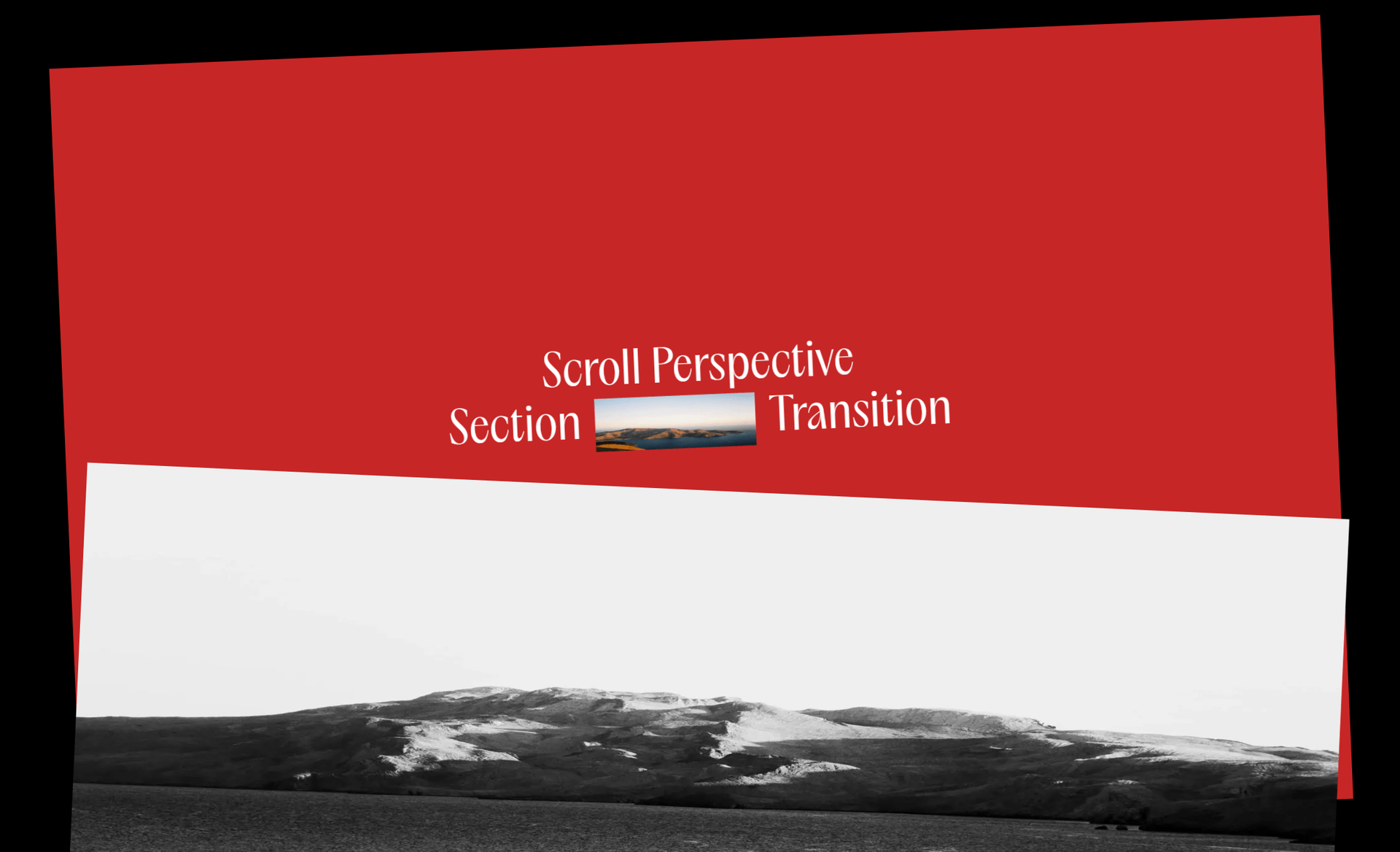
8};We should have something like this:
Making the First Section Sticky
To create the effect, we first need to make the first section sticky, then it's going to be much easier to simply animate the sections. To make the first section sticky, all we have to do is
- Set the parent to a position
relativewith200vhof height, since we have two sections that each take100vh. - Set the sticky section to
position:stickywithtop:0.
1// page.js
2export default function Home() {
3  return <main className='relative h-[200vh]'>...</main>;
4}1// Section1.js
2const Section1 = ({ scrollYProgress }) => {
3 return <div className='sticky top-0 ...'>...</div>;
4};We should have something like this:
Adding On Scroll Animations
Now that we have our base structure, we can simply add some animation on scroll. To do this, we have to track the progress of the scroll and animate the scale and the rotation value of the sections based on it.
Tracking the Scroll
1// Section1.js
2const Section1 = ({scrollYProgress}) => {
3
4    const scale = useTransform(scrollYProgress, [0, 1], [1, 0.8]);
5    const rotate = useTransform(scrollYProgress, [0, 1], [0, -5]);
6
7    return (
8        <motion.div style={{scale, rotate}} ...>
9            ...
10        </motion.div>
11    )
12}1// Section2.js
2const Section2 = ({scrollYProgress}) => {
3
4 const scale = useTransform(scrollYProgress, [0, 1], [0.8, 1]);
5 const rotate = useTransform(scrollYProgress, [0, 1], [5, 0]);
6
7 return (
8 <motion.div style={{scale, rotate}} ...>
9 ...
10 </motion.div>
11 )
12}- Here I'm using the
useTransformhook to transform the scrollProgress into new values that I then use for the scaling and the rotation. - As you can see here, the only difference between the first section and the second section is the values are reversed.
Adding a Smooth Scroll
To make everything more smooth, we can add a smooth scroll using the Lenis library:
1// Page.js
2useEffect(() => {
3  const lenis = new Lenis();
4
5  function raf(time) {
6    lenis.raf(time);
7    requestAnimationFrame(raf);
8  }
9
10  requestAnimationFrame(raf);
11}, []);
We should have something like this:
As simple as this!
Quite a simple animation on the technical side, but visually I think it looks stunning and really adds a nice little touch to a website. Hope you learned something!